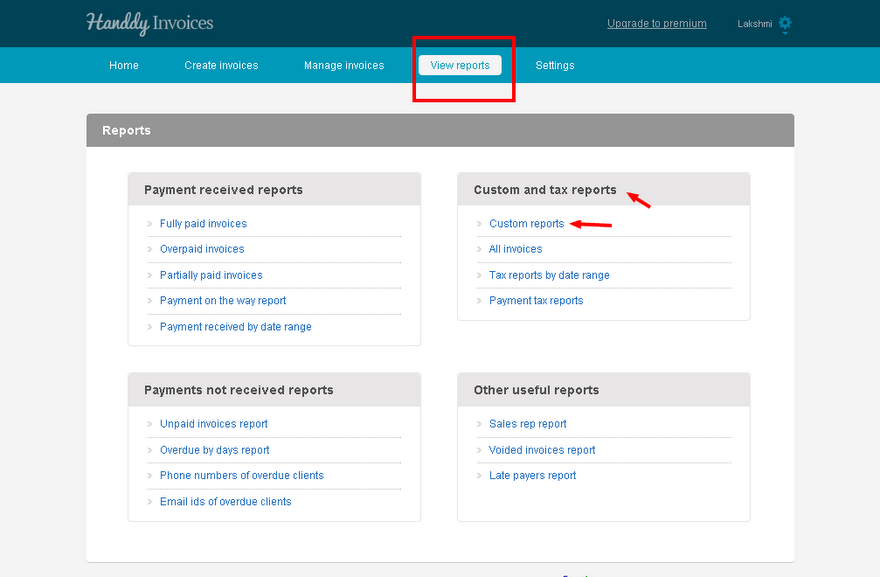
- In ‘View reports’ under ‘Custom and tax reports’ is the ‘Custom reports’.
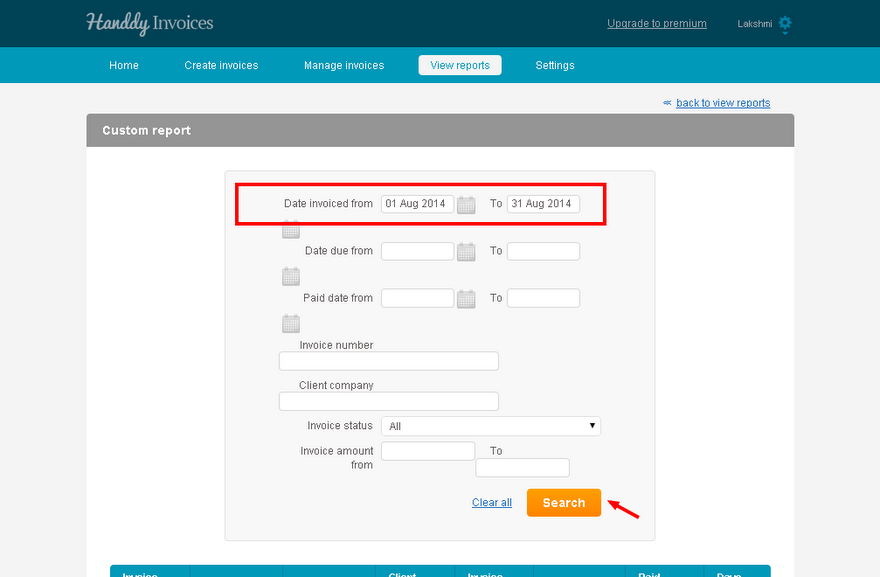
- Custom reports allows you to generate and view list of invoices based on criteria like from and to a particular paid date, due date, invoice number, invoice amount and client company. You can also view invoices based on their status like paid, unpaid, overpaid, partly paid and in-process.
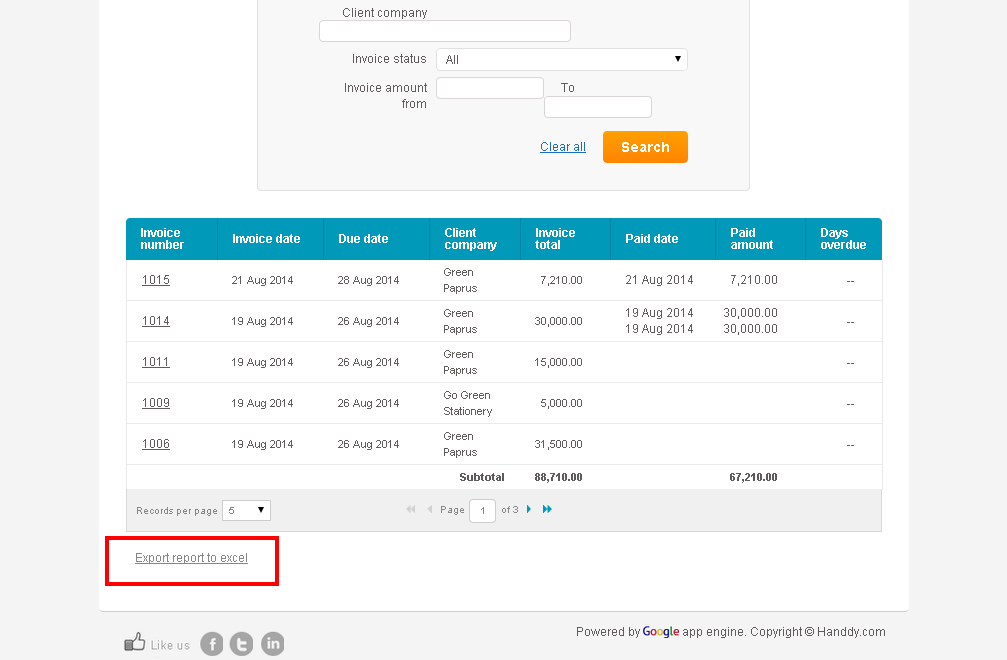
- The list of invoices for the selected criteria will be displayed in the second half of the page.
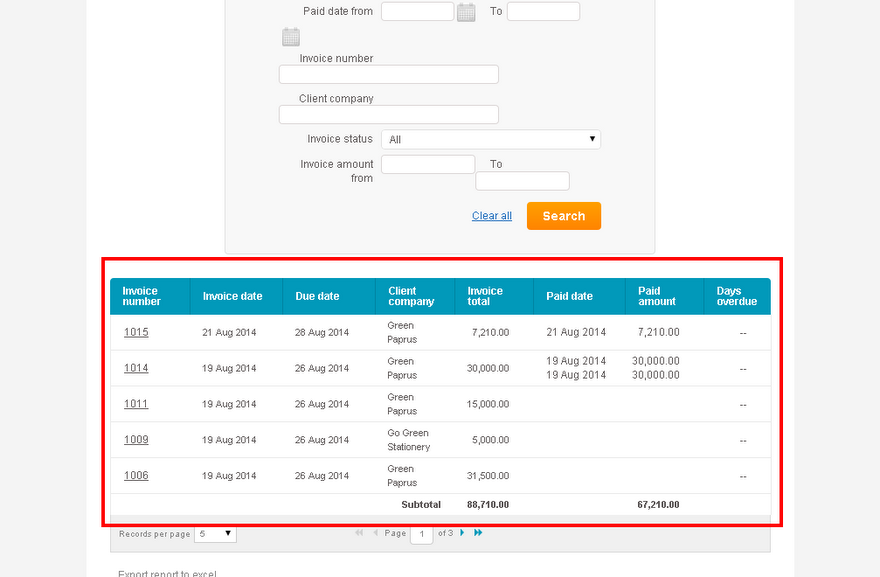
- Select ‘Export report to excel’ option to create, view and save a copy of the report in excel.
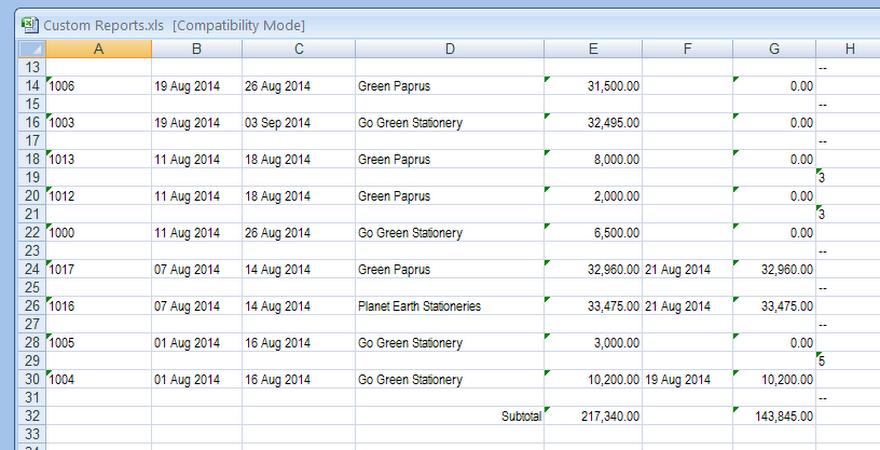
- This is what your report on excel will look like.