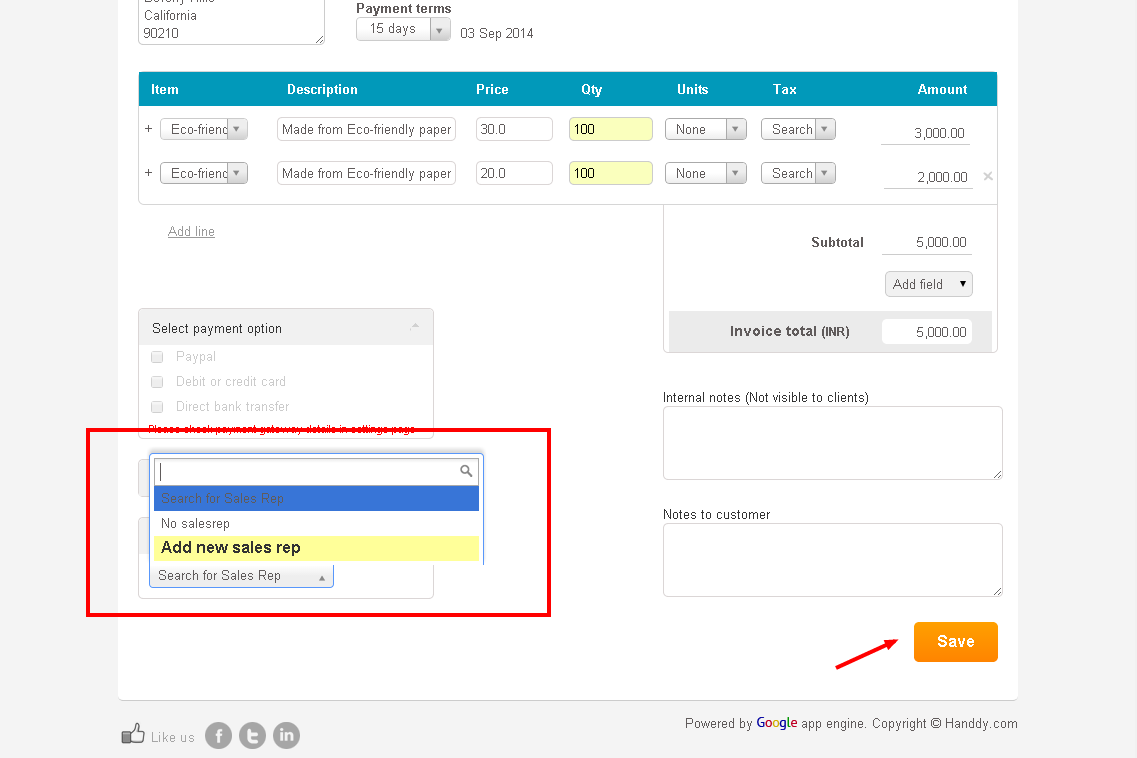
- To add name of new sales representative click on ‘Add new sales rep’ option in ‘Sales rep’ tab.
- Enter ‘First name’, ‘Last name’ and ‘email’ of the sales representative that you wish to add.
- Click on ‘Save’.
- Name and email of new sales representative will be added to your list.