
How do I void an estimate?
644 views
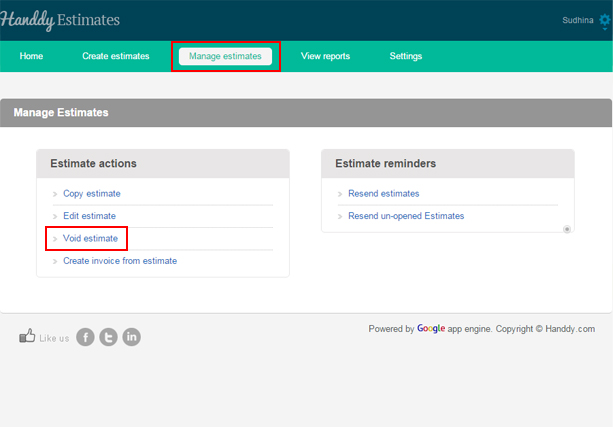
- Go to ‘Manage Estimate’, >> ‘Estimate Action’, >> ‘Void Estimate’.
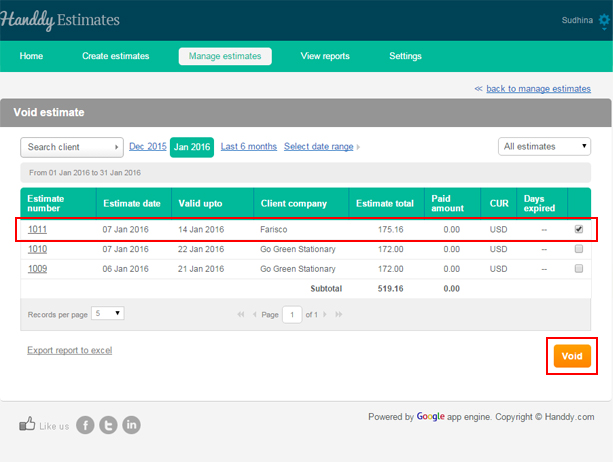
- List of estimates that you created will be displayed
- From the list select the estimate that you wish to void
- Click ‘Void’ button
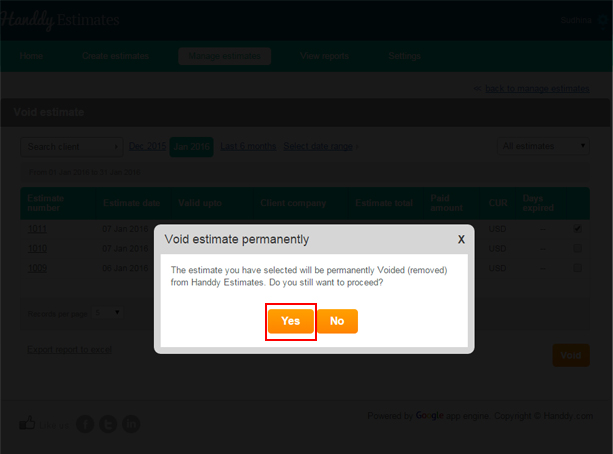
- A dialogue box opens up asking if you wish to permanently remove the selected estimate from Handdy Estimates
- Click on ‘Yes’ option
- You will get a message saying that your estimate has been successfully voided.
- By clicking on ‘Export report to excel’ option, you can export this report on Excel.
- This is how your report will look like on Excel.