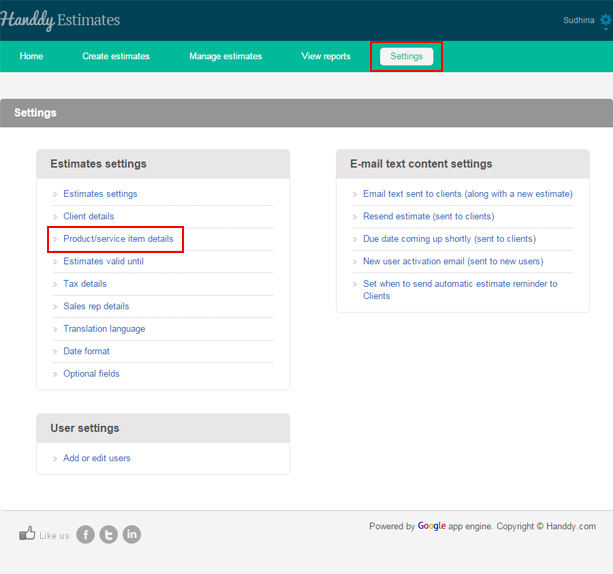
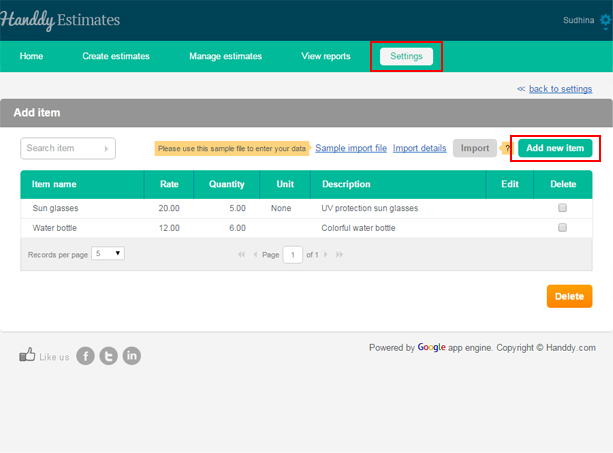
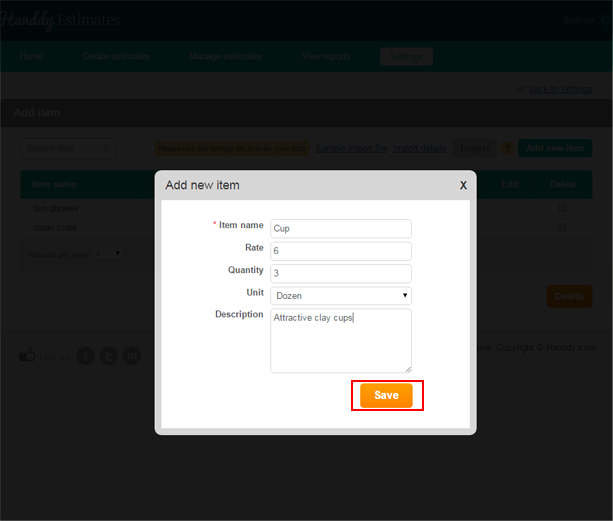
Categories Settings How to add product or service details Post author By handdyaccounts_help Post date January 23, 2016 How to add product or service details697 views Goto ‘Settings’ >> ‘Product/service item details’ Click ‘Add new item’ Enter ‘Item name’, ‘Rate’, ‘Quantity’, ‘Unit’, ‘Description’. Click ‘save’ button. Answer to more questions ← How to add taxes? → What are the different email settings
 Handdy Estimates Help and Support