
- Login to your account.
- Click on “Record Expense” on the Home page
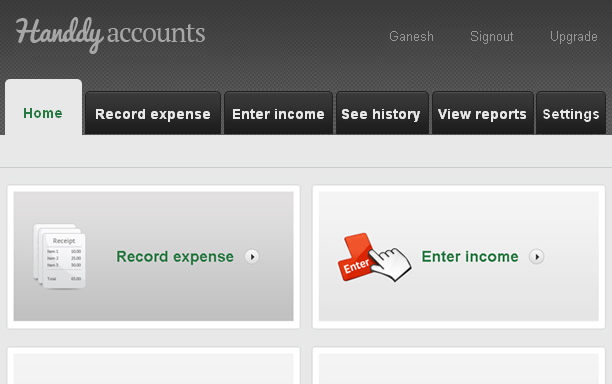
3. This takes you to the “Record Expense” page.
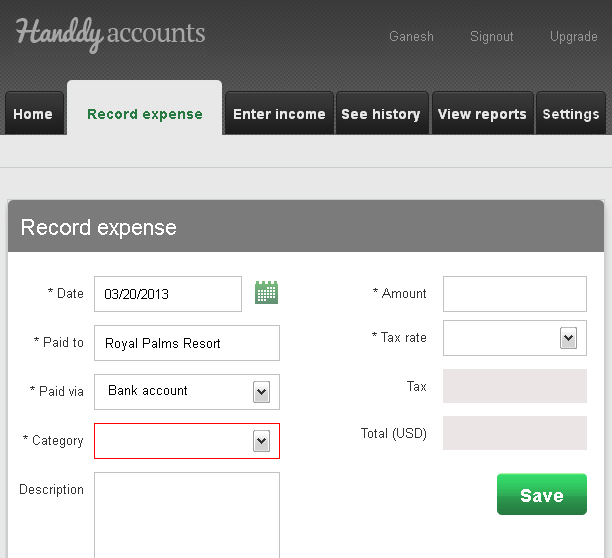
4. Fill in the “Date”, “Paid to” and “Paid via” fields
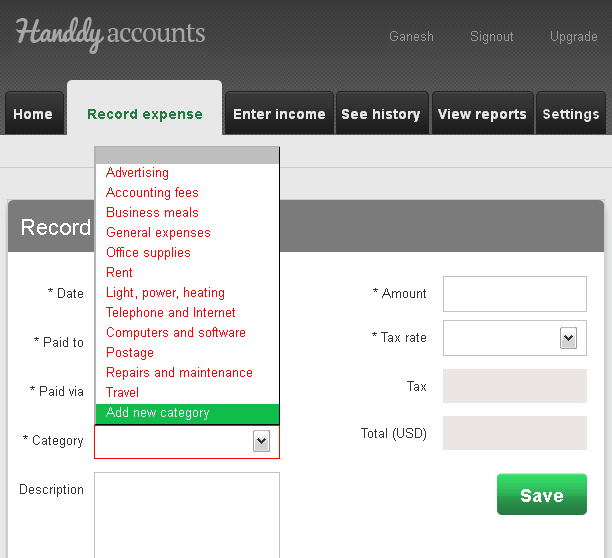
5. On the Categories field click on the drop-down list.
6. Click on “Add New Category”
An “Add New Category” window opens.
8.Enter the “Category name” and click on “Add” to add the new category.
1. Login to your account
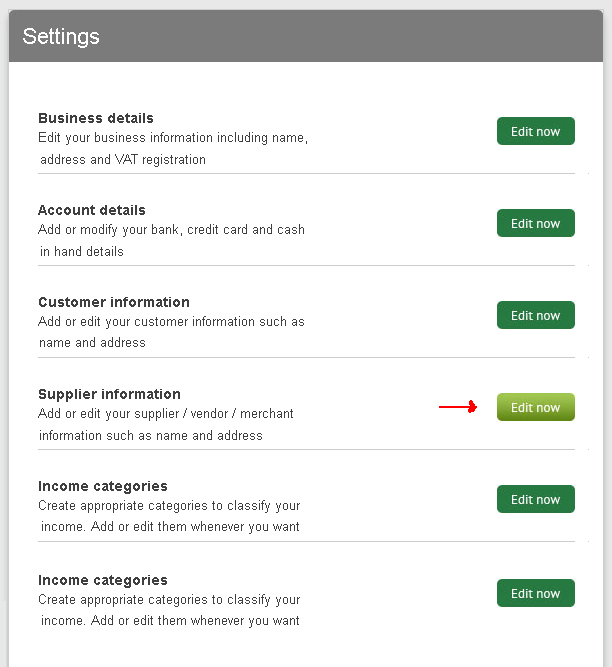
2 . Click on ” Settings”
3. Click on “Supplier information”
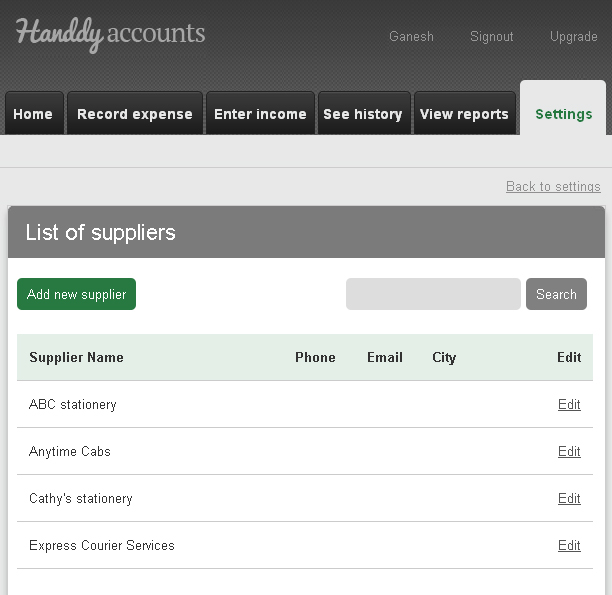
4. The “List of suppliers” appear. Click on the “Add new supplier” button.
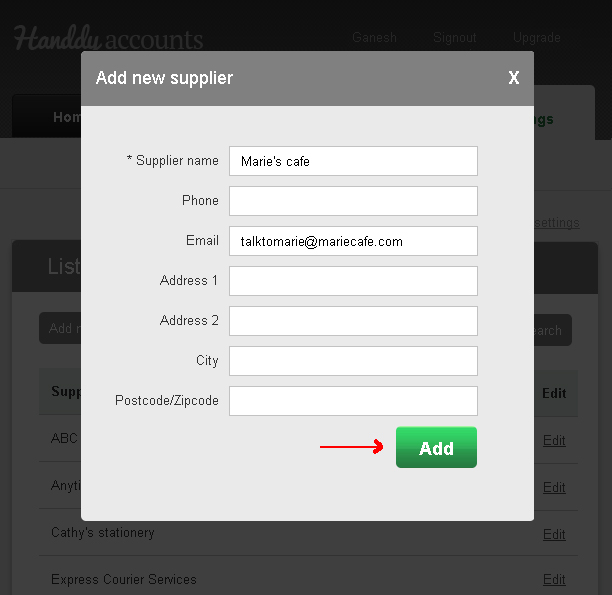
Enter the required details and click “Add”.
Note
Did you try our online invoicing software for self employed business owners yet? Try it for free now
- Login to your account
- Click on “Record Expense” on the Home page
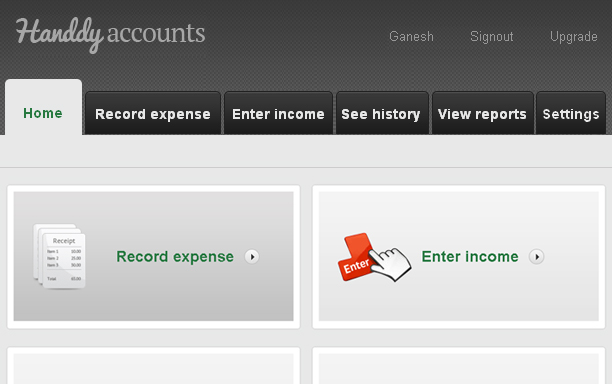
3. This takes you to the “Record Expense” page.
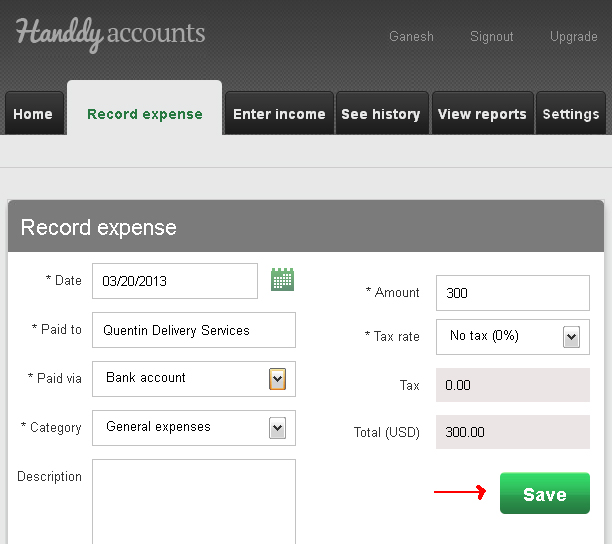
- Fill in the “Date” and “Paid to” field
- In the “Paid via” field select “Bank account” if you paid through Credit card or Check. or Cash if you have paid by cash.
- Enter details in the remaining fields and click on “Save” .Your expense is now entered.
Note
Did you try our online invoicing software for self employed freelance contractors yet? Try it for free now